

Automated Testing
for Image Change
Control
Automated Testing
for Image Change
Control
Automated performance and scalability testing
for images, applications, and desktops.
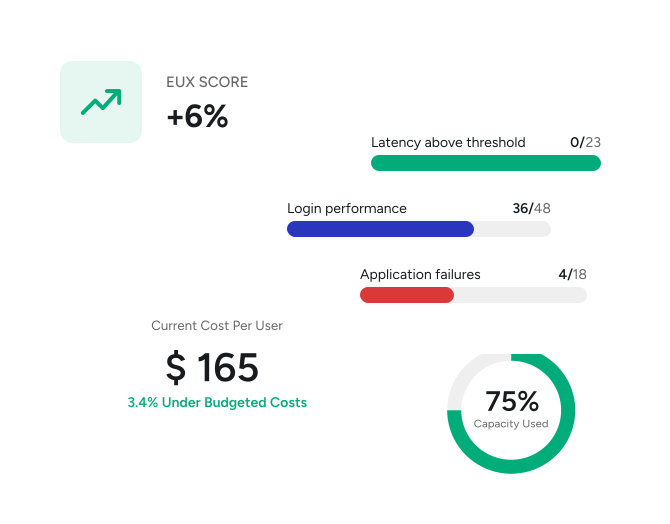
Trusted by top tech vendors & Fortune 500 companies.







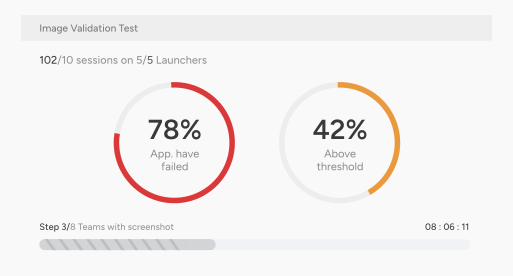
Image Change Control
Automatically perform full image and application checks without waiting on app owners—ensuring your applications run consistently and perform reliably.
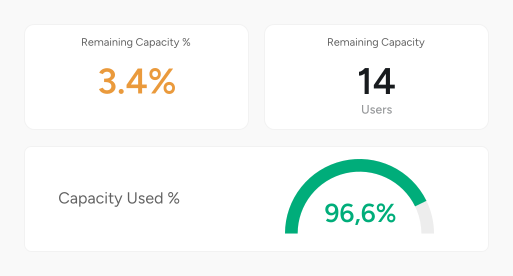
Pre-Production Visibility
Get ahead of the curve by assessing and enhancing performance, scalability, and user experience before deployment with industry recognized load testing.
Production Insights
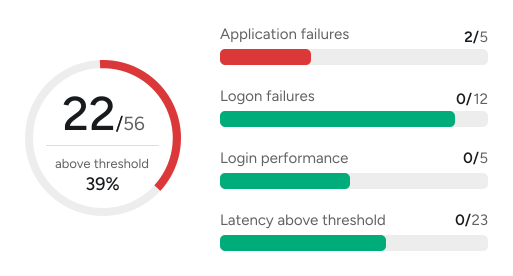
Early warning detection flags performance and availability issues before they impact users, while deep insights and trending data help address problems.
Lifecycle Optimization
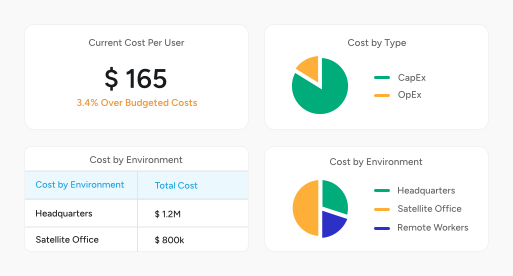
Avoid issues in the future by effectively managing your Day 2 operations across the entire lifecycle—from deployment to retirement and everything in between.
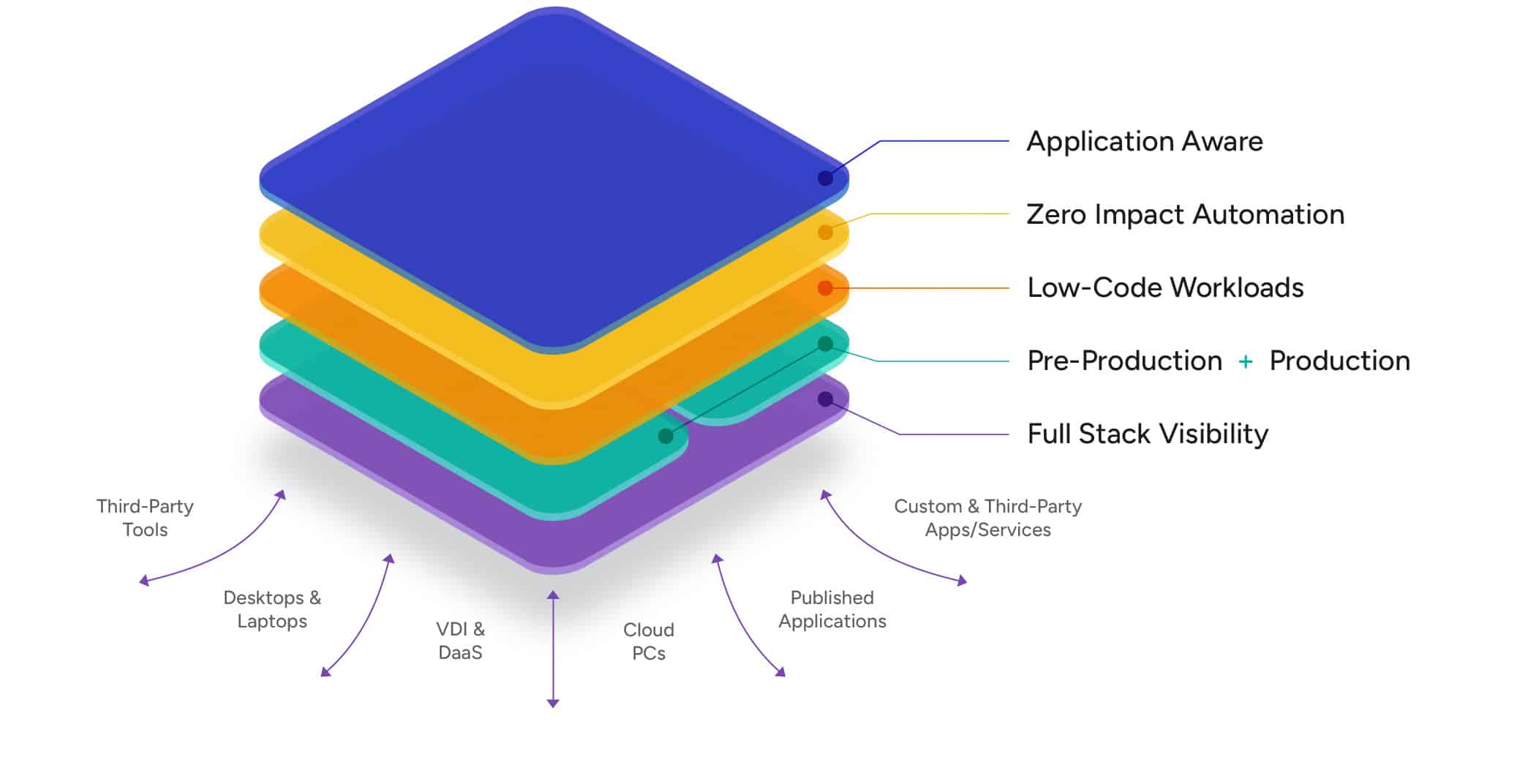
Login Enterprise Platform
A unique approach for solving pre-production and
production challenges.
Solutions
Proactive Issue Detection
Security Agent Testing
Desktop Image Testing
Windows 11 Migrations
Windows 365 Testing
View all